Your cart is currently empty!
Author: Chris Curran
-
Updates and More New Stuff – PES 049
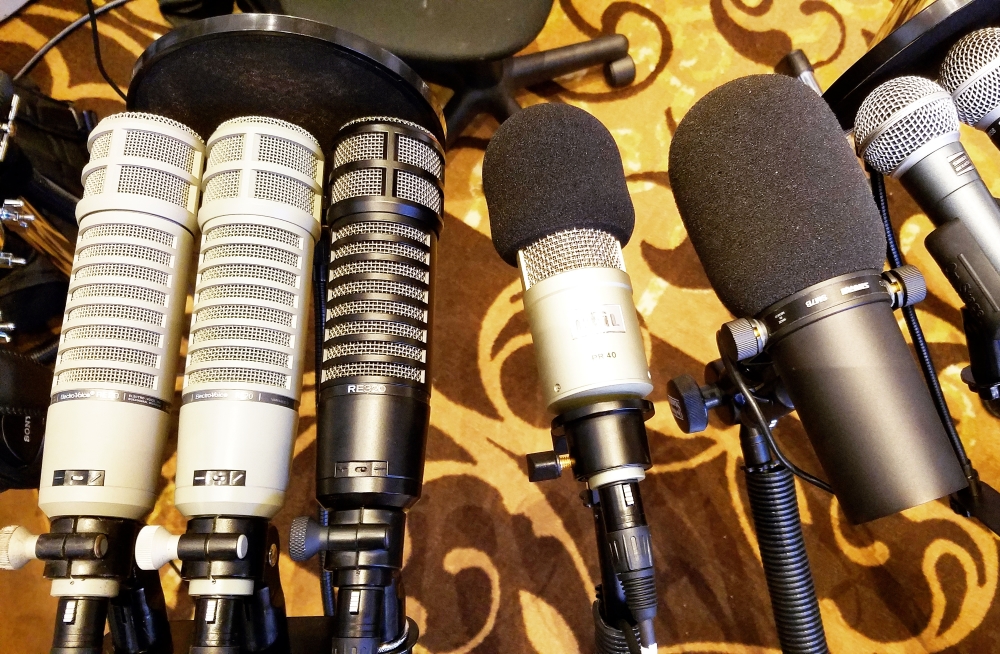
Today I’m using my new microphone for the first time! Actually it’s over 30 years old – a vintage RE20 from the 80’s I believe, and courtesy of Marc Johanssen. (join his Facebook group here). Yesterday I recorded session #50 with Roy Stegman using it, too, but that was before I spent time dialing in the settings on my channel strip to make the mic sound tip-top.

NEWS: I’m proud to announce that I am now a resident expert (of audio engineering) in the Podcasters’ Society! It’s a wonderful community founded and facilitated by Daniel J. Lewis, a former guest on this podcast 😉
It’s a wonderful community for podcasters and producers who have already launched their show(s) and are ready to improve their show(s) big time. It’s WAY more helpful than your average Facebook group, and I’m not knocking any podcasting Facebook groups because they are awesome, it’s just that Podcasters’ Society goes way deeper and wider in so many ways.
*As I mentioned in the audio, here’s my discount/affiliate link for Podcasters’ Society: https://podcasterssociety.com/pes/

NEW GEAR: I purchased a Zoom H6 for on-site recording among other things. I especially like the solid build, the different microphone attachments, and most of all the backup recordings on the L and R which record at 12 db lower than the main recordings to provide a safety net in case there is some distortion on the main L and R channels.
I also reflected briefly on Podfest again. Love that conference…
It’s getting close to Podcast Engineering School which starts online on April 4th. I commented on all the training modules and topics that will be covered. Even if you don’t attend the course, these are some areas where you can improve your production value a lot.
Thanks for listening!
-
Kirk Bowman – PES 048
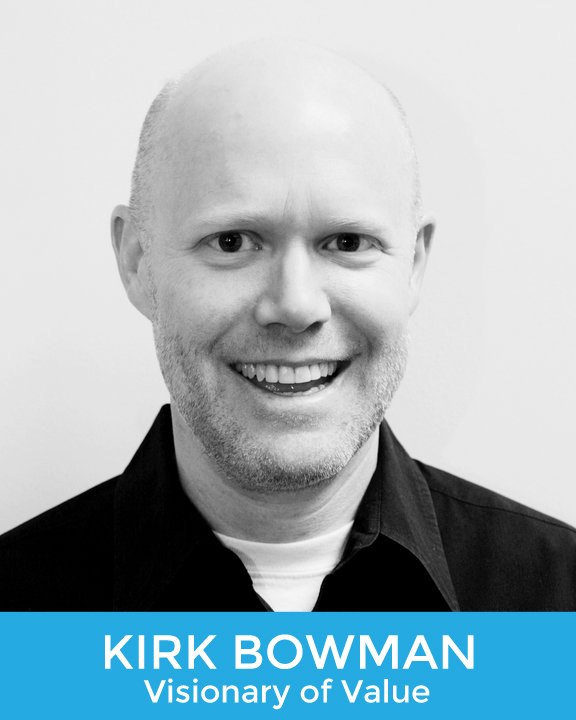
My guest is Kirk Bowman, host and producer of The Art of Value Podcast. Kirk is seriously on top of his game in the area of podcast production. We had fun discussing his equipment, workflow and processing, etc. (list of topics is below)
I asked Kirk to send me the stock settings for the Broadcast preset in the multiband compressor which comes with Adobe Audition (because tons folks use this preset). Here’s the screenshot with all the settings:

Kirk also told me about a channel strip which has a phase ‘rotation’ function (which is different than the much more popular phase ‘inversion’). Here it is – the Aphex Channel:

Here are some other things we discussed:
- MOTU 1248 interface
- 4 XLR inputs
- Routing matrix
- AVB (audio over ethernet used to connect multiple interfaces together)
- Thunderbolt to Mac
- Built-in effects
- Match Loudness in Adobe Audition
- Multitrack recording
- Processing each track to -18 LUFS using Auphonic
- Multiband compression during mixdown
- Editing
- Upgrading equipment as he grew
Thanks for being a great guest, Kirk!
- MOTU 1248 interface
-
Second Chat with Mary Mazurek – PES 047
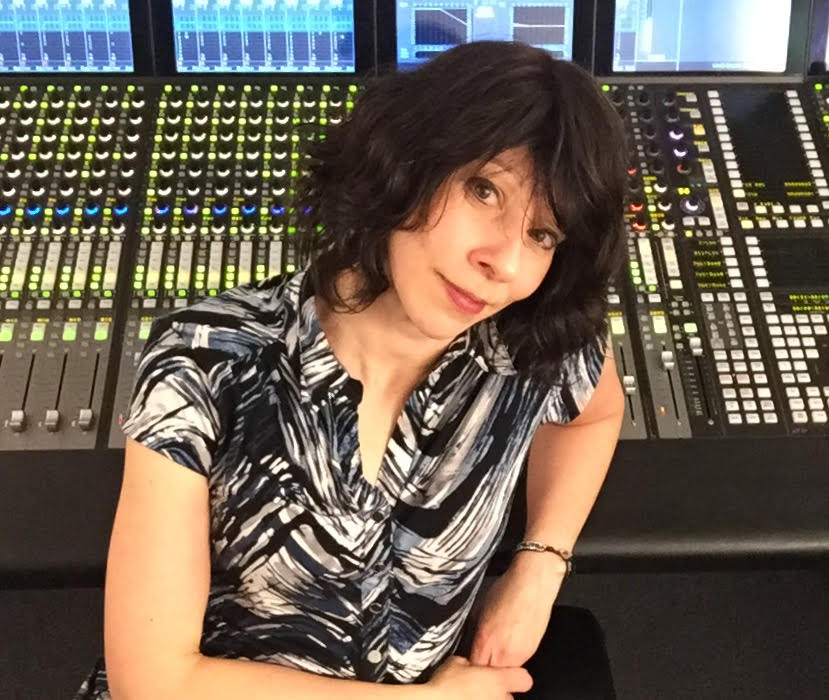
My returning guest is Mary Mazurek! She is an audio engineer with 25 years experience, radio producer at WFMT Chicago including the “Live from WFMT” show, and instructor in the Department of Audio Arts and Acoustics at Columbia College in Chicago.
We discussed:
- Recording ping pong balls being poured into an open piano!
- Recording and broadcasting classical ensembles in studio and on location
- Identical stereo pairs of AKG 414’s and Schoeps mic’s capturing the room in stereo
- Spot mic’s on each musician including KM 184, DPA, Shure’s
- Blending close mic’s and room mic’s
- Lexicon 300
- Phasing, space between mic’s, etc.
- F5 Fusion
- 8 channels of Grace mic pre’s
- Recording to Tascam flash recorders as well as a CD burner
- ProTools mastering and MP3 creation
- On location ISDN line
And here are two other programs that Mary engineers: The Dame Myra Hess Memorial Concert, and Live from WFMT.
Thanks for hanging out with us again, Mary!
-
Mike Murphy – PES 046
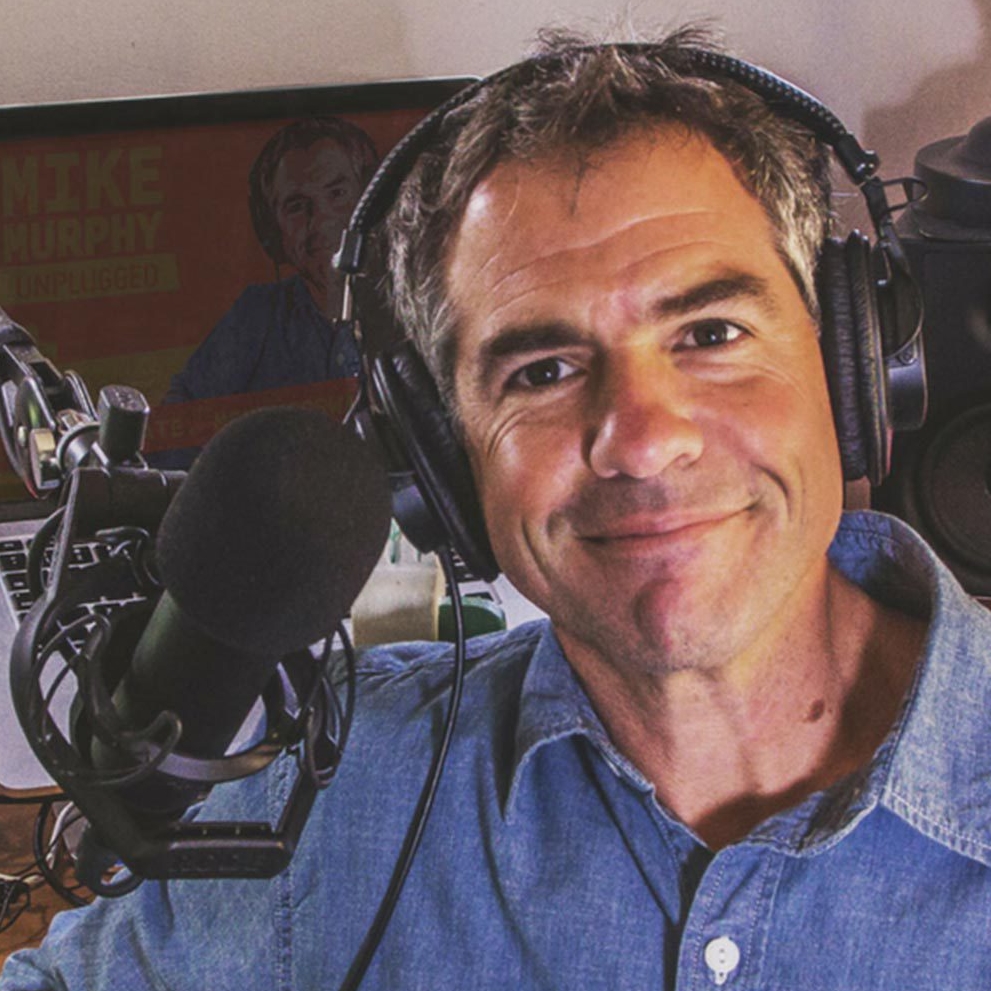
My guest is Mike Murphy, host and producer of Mike Murphy Unplugged. He also created the Podcaster Toolkit (resources and tutorials for content creators), which btw is very completely different from our friend Ralph Rivera’s Podcaster’s Toolbox 😉
We discussed equipment, workflow, processing, production time-savers and more:
- The Essential Sound Panel in Adobe Audition (match loudness feature, etc.)
- Recording resolution (32 bit, 44.1 kHz)
- EQ’ing by rolling off lows and adding “air” on top
- Shure SM7B mic
- Rode NT-1 mic
- Rode PSA-1 boom arm
- CL-1 Cloudlifter
- Allan and Heath ZED-10 mixer
- Sony MDR 7506 headphones
- Recording into a Macbook Pro
- Normalization
Thanks for being a great guest, Mike!
-
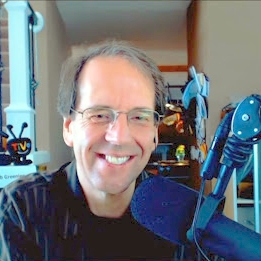
Rob Greenlee – PES 045
My guest is Rob Greenlee, Head of Podcast Content at Spreaker, host of the Spreaker Live Show, and co-host of the New Media Show.
And here’s the link to Rob’s post which we discussed at the top; it’s titled Nine Evolutions of Podcasting In 2017.
Rob has been involved in podcasting for many years so he had a lot to share above and beyond his equipment and workflow.
Topics we discussed included:
- Doing sessions on his Surface Tablet w/USB hub
- SM7b and ATR2100
- Mackie Mixer
- Digimax 220 USB Interface
- Levelator
- Soundforge
- Editing
- Recording directly into the Spreaker platform
- and many more details…
Thanks for being a great guest, Rob!
-
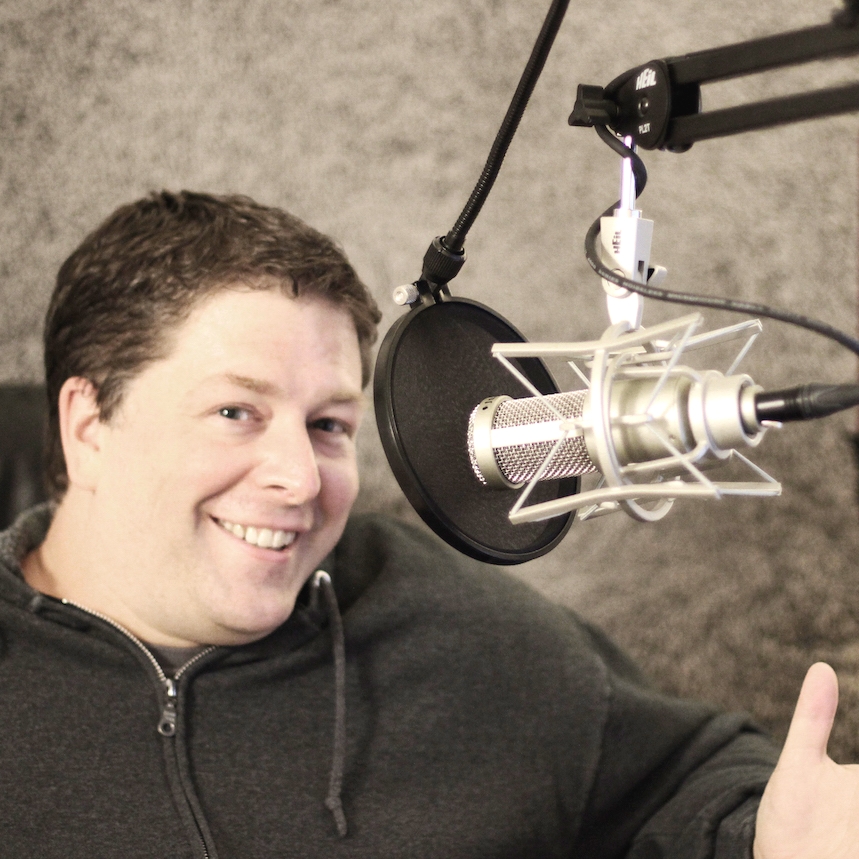
Patrick Keller – PES 044
My guest is Patrick Keller, host and producer of The Big Seance Podcast. He also teaches vocal music and music production and technology at a middle school.
Note: We talked a bit about EVP’s (electronic voice phenomena), which are basically audio recordings of ghosts and spirits! Check out one of Patrick’s episodes where he plays some of this audio.
We had a blast discussing various production situations and solutions, as well as all of his podcast production equipment and workflow processes:
- Behringer Q802 USB Mixer
- dbx 286s channel strip
- Heil PR40 mic
- MXL 990 mic
- Audacity
- Auphonic
- Zoom H5 recorder
- Editing a lot!
- Making teasers
- Generating the MP3 using iTunes
Also, we talked about using foam in your studio to deaden the room sound, including one really good place to put the foam (behind you).
Thanks for having so much fun with us, Patrick!
-
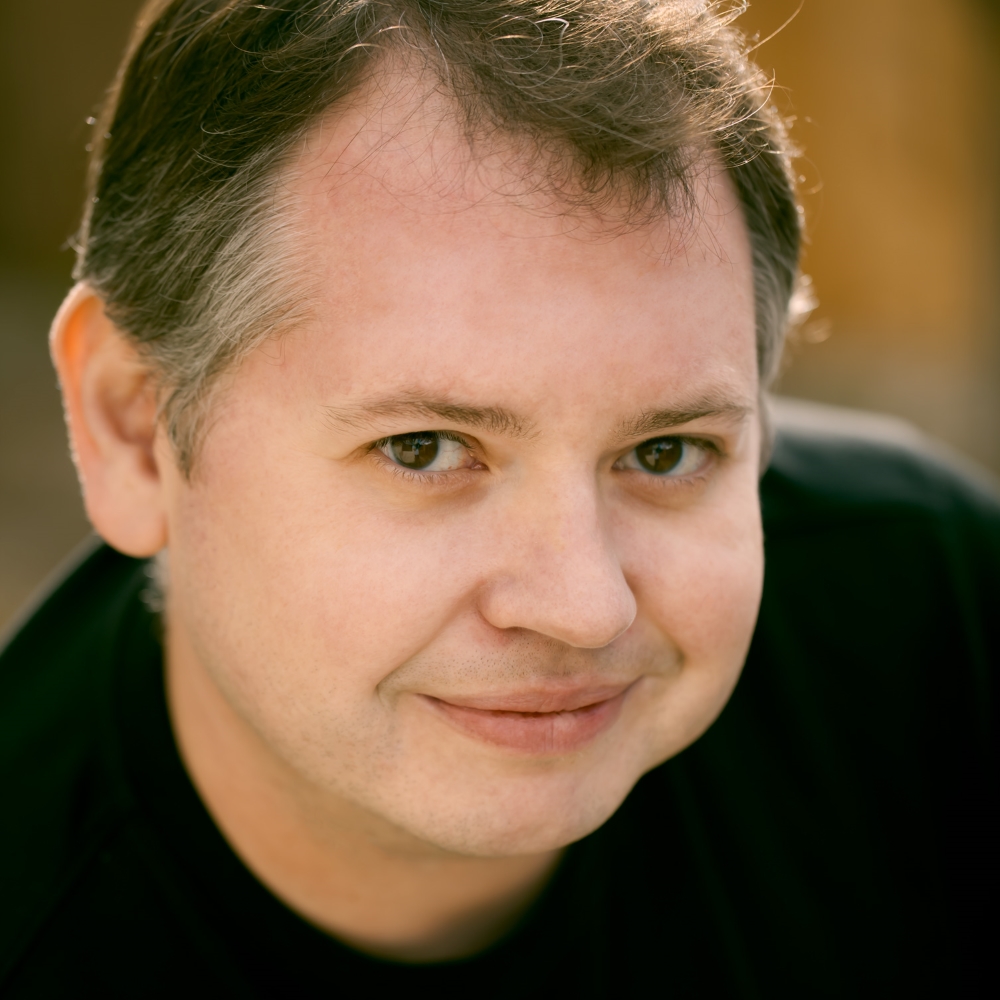
Jason DeFillippo – PES 043
My guest is Jason DeFillippo – producer of The Jordan Harbinger Show podcast, cohost of Grumpy Old Geeks podcast, Podcast Editor, and host and producer of Does It Have Legs.
Jason has an awesome podcast studio setup – listen for all the details. We discussed his equipment, workflow, processing and lots more.

Here’s some of what we covered:
- PreSonus 192 interface
- 2-3 Mac mini’s for connecting guests and hosts
- Ecamm call recorder
- Apollo 8
- Zoom H6
- RE20
- RE27 ND
- AT-2005
- Logic Pro
- Zencastr
- Rolls MS111 Mic Switch (cough button)
- Cloudlifter
- Contour Design ShuttlePRO v2
- MX Master mouse

Then there’s his road kit:
- Two RE27’s
- Apollo Twin interface
- Laptop running Logic Pro
- Zoom H6
- Two Rode PSA1 boom arms
- Headphones
- Rolls MS111 Cough buttons
Thanks for sharing so much with us, Jason!

-
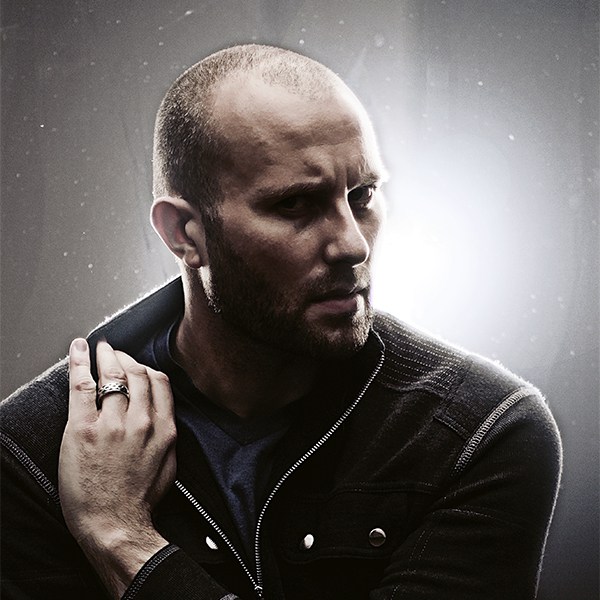
Adron Buske – PES 042
My guest is Adron Buske, host and co-producer of the Nerd for a Living podcast, and co-founder and creative director at Armadian Creative.
We had a riveting conversation about his equipment and workflow, which he was nice enough to outline for us here:
GEAR
- Mixer – Alesis Multi-Mix 8 – USB
- Pyle 4 channel headphone amplifier
- Backup – M-Audio MobilePre Amp (2 channel)
- Mics
- MXL 990 – main interview mic (large diaphragm condenser)
- AudioTechnica AT875R condenser mic – narration mic
- Sterling S50 condenser mic – secondary interview mic
- MXL 2006 condenser mic – new interview mic in testing
- Sennheiser boom mic – location recording with Rycote Softie windscreen
- Zoom H4n recorder – on location recording
- Monoprice Acoustic Isolation Shield – narration station
- Boom Arms – NEEWER Microphone Suspension Boom Scissor Arm Stand
- Pop Guards – Sterling Audio mesh filters, plus a cheap on-mic windscreen
COMPUTER & SOFTWARE
- iMac – 27-inch, Late 2012 – 3.4 GHz Intel Core i7 – 32 GB ram
- Adobe Audition (Creative Cloud)
- Tagr / ID3 Editor
PROCESS
- Record interview via Skype with ECAMM Recorder plug-in
- Make sure to get 15 seconds of room-tone before we start
- Use ECAMM Movie Tools to split track and process into WAV
- Modular editing process
- Capture Noise Print from raw WAV file, and run Noise Reduction Process
- Have to be careful with this, because it can cause some tinny, odd sounds if over-processed
- Edit the episode, and export a “RAW INTERVIEW” without additional processing
- Import the raw edit, and re-export to WAV with processing:
- Hard limiter
- Multiband compressor
- DeHummer (if necessary after noise printer or to alter sound)
- Automatic click remover
- DeEsser (rarely necessary)
- Record my intro/outro narration directly into Audition, using my “narration station” (AudioTechnica mic and isolation shield)
- Edit narration and export to WAV with processing:
- Noise Print Capture / Reduction Process
- Hard limiter
- Multiband compressor
- DeHummer (if necessary after noise printer or to alter sound)
- Import Interview and Narration WAVs into MASTER EDIT template
- In Master Edit:
- Piece together narration over music beds
- Insert sponsor messages
- Layer in “Theme Song”
- Insert interview edit
- Add Outro and music beds
- Adjust audio levels
- Usually 6 tracks, plus Master track
- Occasionally use an FFT Filter to adjust tone on interview – frequency adjustment
- Export Master to:
- MP3 – 96K – CBR – MONO
- OGG – VBR Quality 40%
- Edit MP3 with ID3 Editor or Tagr to add info and graphic
Thanks for sharing so much with us, Adron!
-

Chris’s New Stuff – PES 041
FYI, here are the links to what I initially mentioned: Podfest in Orlando Feb.23-25, The Podcasting Course in Lexington, KY, Apr.21-22, and Podcast Engineering School in Denver, Apr.2-7.
I also did a “speed round’ on my own equipment and workflow! (which I’ve never done before on the show)
Then I spoke in detail about my new stuff, including:
- Why he tweaked his Neve Portico II channel strip settings
- New monitors: Neumann KH 120 A
- New software and plugins: (which PES students will get ridiculous discounts on)
- RX 5 Advanced (went through list of features)
- Ozone 7 Advanced (went through list of features)
- Neutron Advanced (Track Assistant, Dynamic EQ, etc)
- Sheps 73 (emulating the Neve 1073, 12k high shelving, Mid-Side mode)
- Abbey Road Plates
- Abbey Road J37 Tape
- VComp (emulating Neve 2254 hardware compressor) and VEQ4 (both part of the Gold bundle)
- Zynaptiq ZAP Bundle
- Unfilter
- Unveil
- Unchirp
- Pitchmap
- SPL De-esser Dual-band (Male 6k, Female 7k, HIgh band 11k)
Happy that you’re enjoying the show!
-
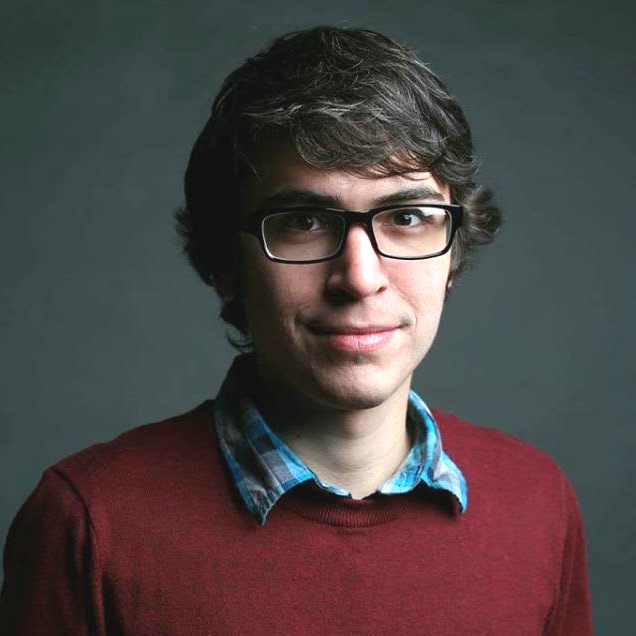
Zack Hanni – PES 040
My guest is Zack Hanni, audio engineer and owner of Sounds Like Soma. He engineers/produces music so it was nice to talk with him about some of the production processes and tricks he uses. Fyi, he majored in Audio Production and minored in Entertainment Technology at Middle Tennessee State University.
We discussed several topics in great depth:
(…listen to the audio for the FULL experience…..the shownotes for this show are just the tip of the iceberg 😉

Soma Recording Studios - Impedance (Hi-Z and Lo-Z, mic’s and instruments)
- EQ (addressing some common issues)
- Compression (Multiband, including release times, auto-release and alternatives to compression)
- Introducing distortion to add some high frequency presence
- Zack’s typical vocal processing chain:
- EQ w/ hi pass filter at 80-150 Hz
- Light Compression
- Via a Send to a return track:
- EQ
- Heavy and harsh Compression
- Overdrive
- Limiter
- Presonus FaderPort (has a single motorized fader)
- Izotope Nectar (chorus, pitching, and a lot more)
Thanks for sharing so many insights with us, Zack!
-
The Return of Max Flight – PES 039
My guest (for his 2nd appearance) is Max Flight, host of Airplane Geeks Podcast, co-host and producer of The UAV Digest and the #PaxEx Podcast.
Max continues to amp up his production quality, equipment and workflow so I wanted to speak with him about his new toys and plugins. (check out his first appearance here)
We covered:
- How Max and I eliminated some slight distortion from his signal just before recording this session
- Aston Microphones “Spirit” (A 20% coupon helped. Max likes it, though it’s obviously different than his Heil PR40 in many ways. Certainly requires different EQ – mostly a 3 or 4db bump around 4K, to his ear)
- Warm Audio WA12 mic pre (Max saw it at a Guitar Center, “Look honey, it’s orange!” and Googled the reviews, so he bought it at a really good price)
- Waves DeBreath plugin
- Spitfish de-esser (one of his guests on Airplane Geeks had a huge sibilance problem)
Thanks again, Max! FYI, follow Max on Twitter @MaxFlight
-
Why Is the Program So Expensive? Why Not Just Learn All This From YouTube Videos?
*Note: The correspondence below occurred when PES launched and was offering a 5-day in-person course. Soon after that we switched to an online course. All the points made below still apply, though.
A note Chris received:
I’m wondering what about this program constitutes a $3000 or $5000 dollar price tag?
I’ve been podcasting for 2 years, I’m an editor on some very high profile shows, and I’ve never had any formal training. It’s all stuff you can easily learn from YouTube.
Sure people can get a crash-course in 5 days, but podcasting is a very open community and if you reached out to pretty much any podcaster they’d show you the ropes.
To clarify: This is all amazing stuff that podcasters should learn. Audio quality is so important but it’s just a lot of money.
Chris’s response:
Hi _____,
I appreciate your post and questions.
The Podcast Engineering School program is for individuals who want to have a professional career or business as a podcast engineer/producer. Or die-hard audio geeks who really want to learn the audio engineering side of podcasting.
The program is NOT for casual podcasters or casual podcast producers/editors. Casual/amateur folks, as you mentioned, can easily obtain general knowledge as well as find answers to specific questions via YouTube.
The podcasting industry is growing up. There is a legitimate need for a professional school. There are job openings and business opportunities. The paradigm that “podcasting is a hobby industry” and therefore no one needs professional training is changing. Professional companies want to work with professionals. And I’m saying this because I’ve been hired by Forbes, Dun & Bradstreet and many others to produce their podcasts.
I saw a post this morning asking, “What do hate most about podcasts?” Bad audio quality was the number one response. Any legitimate audio engineer who evaluates a large sample of existing podcasts will conclude that the overall sound quality of podcasts is pretty bad. As the industry continues to grow and more companies and professionals continue creating podcasts, they want professional quality – not the amateur quality that is so prevalent now.
I know podcast producers (some have been on my show) who never touch an EQ or compressor when producing episodes. As podcasting grows up, these types of producers/editors will gradually be leap-frogged or replaced by professionals.
These days it’s not hard to get by as an amateur podcast producer/editor, but many individuals want to do MORE than that AND GET PAID more than that. They like the idea of being a respected professional in their field, receiving professional training as well as having a respected Certification on their resume.
With regards to self-learning on YouTube:
As I mentioned above, it’s a good tool for finding general knowledge or answers to quick questions. I do this often.
However, when it comes to deeper learning, few are the people who know WHAT they need to learn, can go find it, learn from it, AND implement it. And of course there’s all the time wasted searching and evaluating and learning all kinds of unnecessary or wrong things. Professionals recognize the wise use of their time. For instance, 30 minutes of quality conversation between teacher and student can easily be more productive than months on Youtube. This is what ALWAYS happens when I consult individual producers.
In the world of professional training, nothing compares to being taught 1-on-1 in-person by a highly accomplished professional. It’s not only top quality knowledge that the student receives – it’s attitude, confidence, and context – and these are critically important to becoming happy and successful in your field.
Time: Individuals who want to become respected professionals in their field realize that it’s going to require a lot more than watching YouTube videos. Attending a real school program with a highly accomplished instructor cannot be compared to surfing YouTube.
Calibre of instructor: Many would argue that the teacher is more important than the content, providing he or she is a highly accomplished individual with regards to knowledge, skills, experience and practical success.
You wrote: “I’m wondering what about this program constitutes a $3000 or $5000 dollar price tag?” Anyone who wants serious professional training in preparation for a lucrative career (or business) will find this price a steal! Everything the student needs – all the relevant and important knowledge, skills, workflow, hands-on training, solutions and confidence will be neatly delivered to them by an instructor who has already accomplished what they want to accomplish. As I said above, casual hobbyists won’t be interested in my program because it’s overkill for them.
You wrote: “I’ve been podcasting for 2 years, I’m an editor on some very high profile shows, and I’ve never had any formal training. It’s all stuff you can easily learn from YouTube.” I’ve already addressed this above, and now that you hopefully understand that this program is professional training, you hopefully realize that YouTube is good for many things and it’s very handy, but watching YouTube videos cannot be compared to the Podcast Engineering School program.
You wrote: “Sure people can get a crash-course in 5 days, but podcasting is a very open community and if you reached out to pretty much any podcaster they’d show you the ropes.” It seems like you’re talking about reaching out to others when you have a question or two. A couple of quick questions is vastly different from in-person professional training. Would I be able to reach out to you (or anyone) and ask you to train me in-person for 5 full days and 4 webinars and mentoring sessions and software/plugins discounts – all for free?
You wrote: “To clarify: This is all amazing stuff that podcasters should learn. Audio quality is so important but it’s just a lot of money.” As I mentioned above, for individuals who truly value professional training, this program is a bargain. It’s an investment in themselves which no one can take away, and it’s a springboard for a successful lucrative career or business.
Hopefully this makes sense to you, _____. Your questions were actually a good excuse for me to articulate many points, which, btw, I’m going to post on my website in the form of videos of me explaining some of these points in addition to the actual program details. That should be helpful to others 😉
Keep Shining,
~Chris Curran -
Garth Humphreys – PES 038
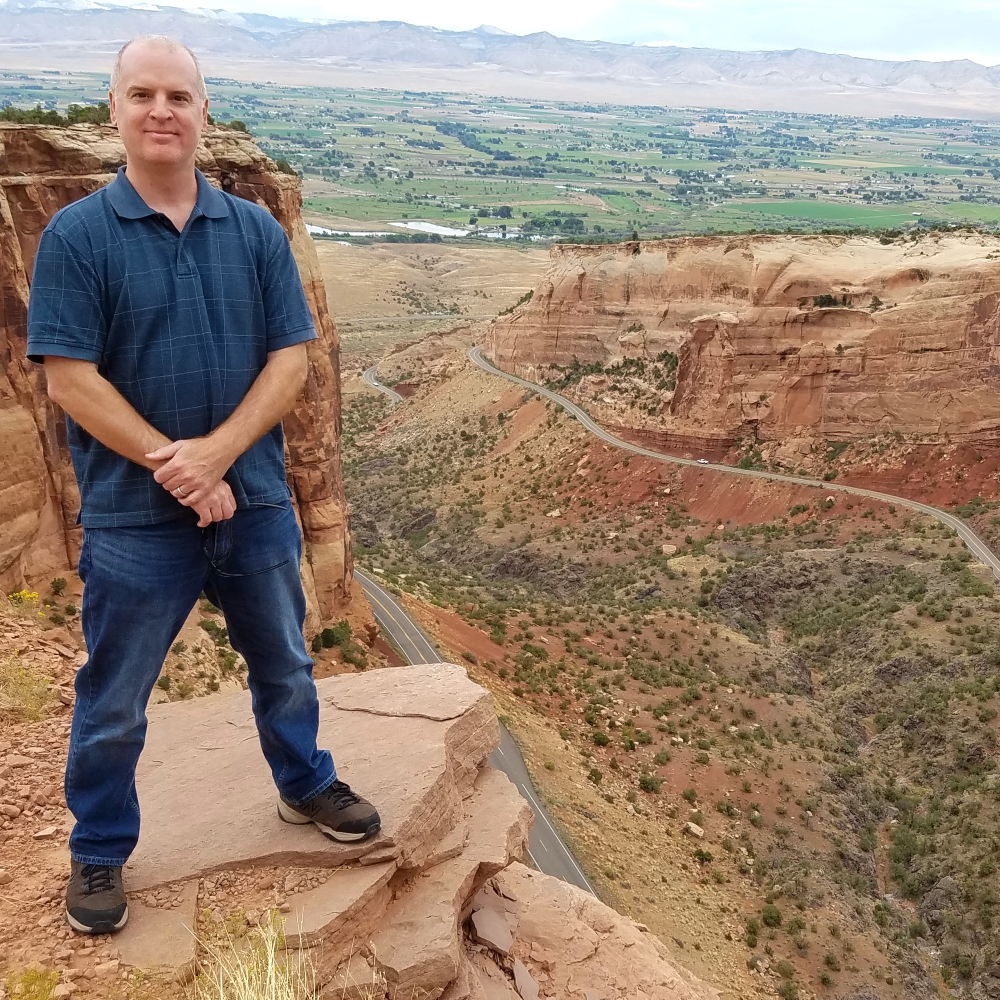
My guest is Garth Humphreys, host and producer of Audio Pizza, iBlindTech and Aussie Mac Zone. Garth lives in Australia and we had a fun session.
We discussed his equipment and workflow, including:
- Rode NT-1
- Amadeus Pro
- Audio Hijack Pro
- FX Chains on individual tracks as well as the main mix bus
- Auphonic to append and prepend music, intro, etc.
- Editing tips

Garth Humphreys – host and producer of Audio Pizza, iBlindTech and Aussie Mac Zone We also covered 3 handy functions in Reaper (they are also possible in most other DAW’s):
- Allows for 3 states of ripple editing (we cover all 3)
- SWS/BR: Normalize loudness of selected tracks to -23 LUFS
- Item: Auto trim/split items (remove silence)
One more interesting tidbit:
When Garth sent me his local recording he sent it in FLAC format (Free Lossless Audio Codec). Digital audio compressed by FLAC’s algorithm can typically be reduced to 50–60% of its original size and decompress to an identical copy of the original audio data. It’s handy for sharing large audio files as long as the receiving person has the ability to decompress the file back into a WAV file, for instance. (many software programs can do this)
Thanks for all the great info you shared, Garth! And for having a fun time with me on the show 😉
-
The Wisdom of Audio Processing – PES 037
First I mention and explain what I’m using to record this episode – a Shure SM7B right into my Mackie mixer – no processing before recording, which is different than my normal setup at home. With regards to peaking/distorting, setting my recording level when the mic is “raw to tape” is much more difficult than when I’m using a compressor before recording.
4 Topics I Discuss:
1. The Wisdom of Audio Processing
- Silk mode on my Neve Portico II – RED/BLUE – Tweaking my EQ & Compression on my new RE20
- Dbx 286s “Enhancer” section – LF Detail, HF Detail
- Using a multiband compressor on a voice – compressing the low end as well as boosting the level of that low end
2. Debrief Last Week’s Episode Production
- Too much compression, especially with a reverby room
- Ralph & Carol Lynn were very close to their mic’s
- Using gates to tape
- Auphonic Multitrack crossgate function
3. Matching/Balancing the Sound of Voices Within Episodes
- The Real Brian – had to remove lots of low end to match
- Skype and phone calls
4. Upgrading Your Equipment Over the Holidays
- Not in terms of good deals, but strategy
- For deals and info visit Podcast Gear Group on Facebook
Links mentioned in this episode:
- Podfest Multimedia Expo in Orlando, Florida from Feb. 23-25, 2017
- The Podcasting Course in Lexington, Kentucky from April 21-22, 2017
- Podcast Gear Group (Facebook group led by the incomparable Marc Johanssen)
Enjoy a wonderful Holiday season! Be with you again on Jan. 5th 😉
And be sure to send me pics of your new gear!!!
-
Carol Lynn and Ralph Rivera – PES 036

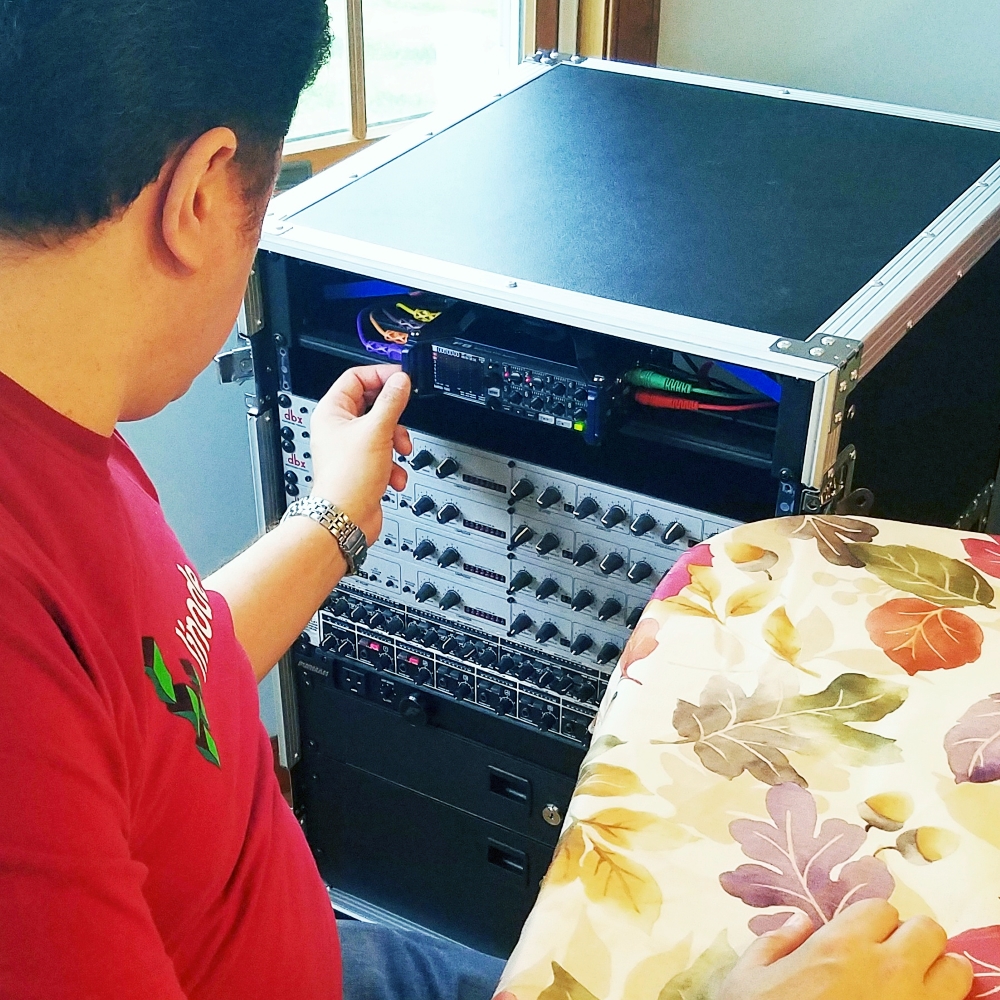
My guests are Ralph Rivera and his wife Carol Lynn! They are podcasters, as well as developers of The Podcaster’s Toolbox, and lovely people.
We recorded this episode using their brand new custom mobile podcasting rig! They are going to be travelling a lot over the next year so they put together a top quality mobile rig which they can take anywhere to record.
It houses many pieces of equipment, as well as all the cables and power cords already connected and ready to record. Just pop off the covers of the road case, plug in one power cord, plug in the mic’s, and start recording!
Equipment inside:

- Four dbx 286s
- Zoom F8 multitrack recorder
- Eight channel headphone amp
- Two big drawers to hold the mic’s
- Four Heil PR-40’s
- And just in case, a Behringer Multicom Pro-XL MDX4600
We also talked about their workflow and post-production process.
Thanks for inviting me over and showing me your awesome mobile rig, Ralph and Carol Lynn!
-
The Real Brian – PES 035
My guest is The Real Brian, host of The Real Brian Show, and Arrow Squad!
BTW– I laughed so much listening to his recent episode where he spoke with the legendary JP Sears.
In this episode we discussed:
- Signal chain – PR 40 mic, Mackie 1202 mixer, Behringer MDX 4600, Roland R-05, Zoom H5
- Mixing to AIFF file
- Stereo vs Mono final MP3s
- Audacity
- Plugins – AU, peak limiter, noise reducer
- Levelator
Thanks for sharing so much with us, The Real Brian!
-
Greg Heist – PES 034
My guest is Greg Heist, producer and cohost of The Future Stir, and Chief Innovation Officer at Gongos.
FYI, the website for The Future Stir uses a really cool WordPress theme called Soundbyte Podcast/Audio Template. Take a look at their site here.
Greg and I discussed:
- Focusrite Mixcontrol
- Drawner S73 plugin on master bus
- Feeding Stems into Auphonic Multitrack
- 2nd generation Focusrite 18i20 audio interface
- SM7B
- Cloudlifter CL-1
- Zoom H5
- Recording in Adobe Audition at 32 bit 48kHz!
- Fuhrmann power strip
- Behringer 1800 microphones (3 for $39!)
- Blue Encore 100 mic
- Focusrite RED plugins
Thanks for a wonderful session, Greg!
-
Jonathan Messinger – PES 033
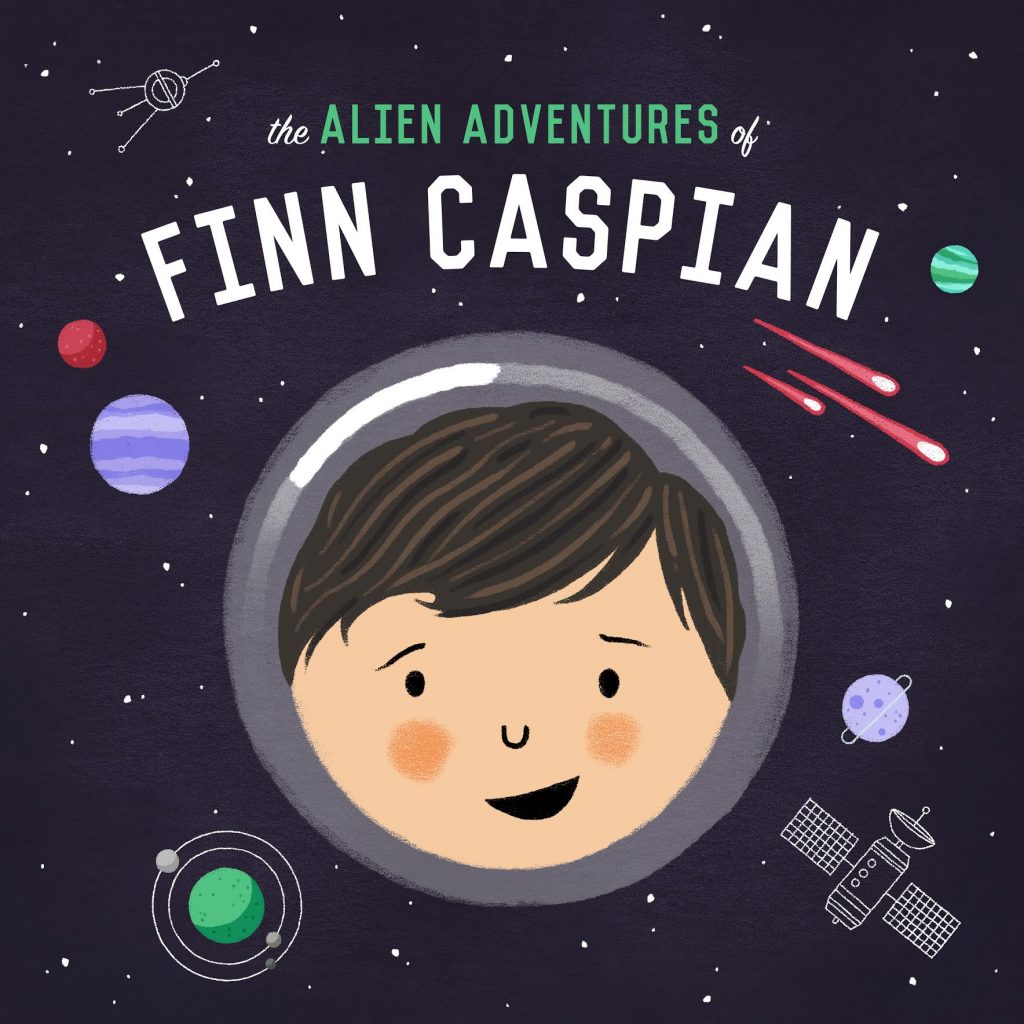
My guest is Jonathan Messinger, producer and host of The Alien Adventures of Finn Caspian, and founder of Typedrawer Media producing interactive story podcasts for kids.
I loved learning exactly how Jonathan creates the robot voices for the various characters on his show.
We also discussed:
- Jonathan uses a PR30 (not a PR40 like many many others)
- Background music levels and ducking
- Panning
- Hindenburg Journalist Pro
- Pre-loaded session templates
- Where to find music: CreativeCommons.org, FreeSound.org, AudioJungle.net, SoundSnap.com
- “Robot voice” plugins: Waves SoundShifter, and Sound Toys “Little Alter Boy”
- Pyle-Pro PDMIC58 Microphone
Thanks for sharing so much with us, Jonathan!
-
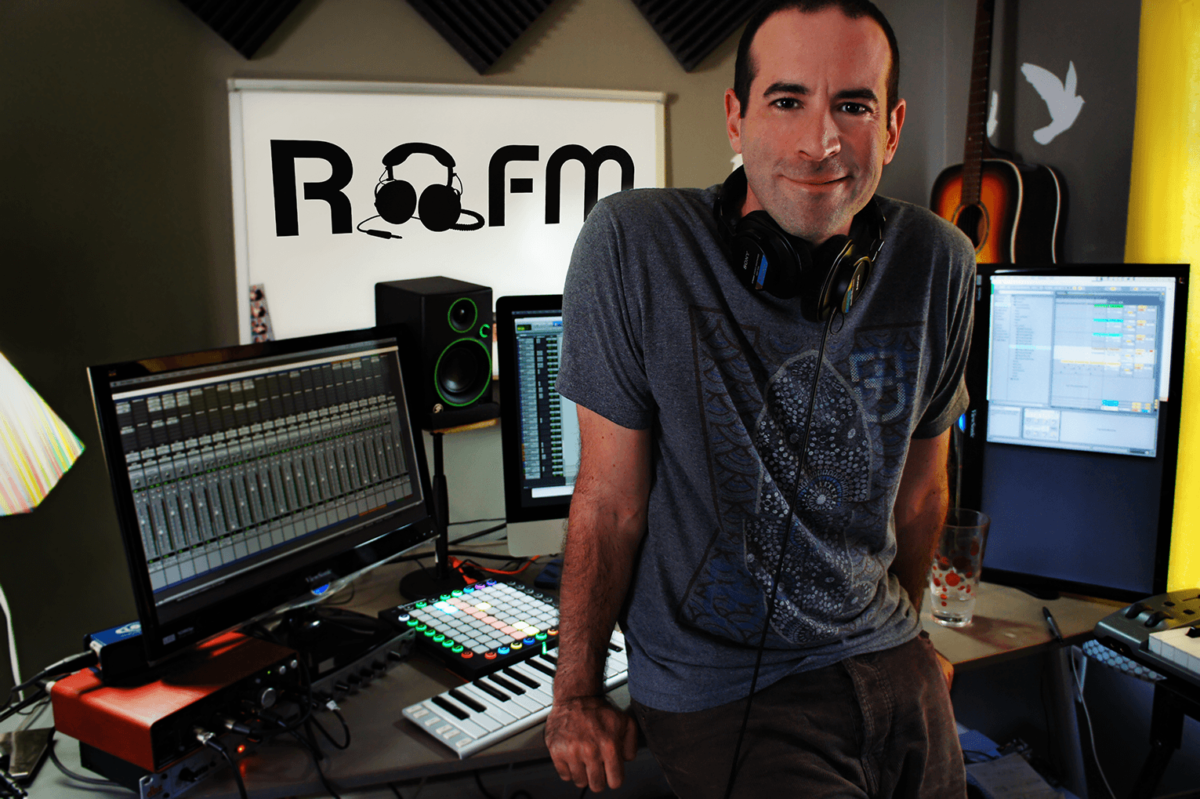
Brian Adoff – PES 032
My guest is Brian Adoff, owner of Riveting FM, and producer of Drink Drank Drunk as well as the upcoming show, Unlocked…
We talked about SO much, including:
- SM7B’s
- Lipsmacks
- Keyboard shortcuts
- Using two Audition templates
- WAV files with 3 channels instead of 2!
- FX chains
- Bussing 3-4 voices to a vocal track w/ loudness meter
- Adding a tiny bit of reverb
- Waves Silver bundle
- Cloudlifter
- dbx 286s
- Zoom H4
- Field shotgun mic: AT 875-R condenser
Thanks for being a great guest, Brian!


