Your cart is currently empty!
Category: Daily Goody
The Daily Goody is daily tip, fact, or lesson on podcast production. You can receive it daily or a weekly roundup with our dedicated newsletter.
-
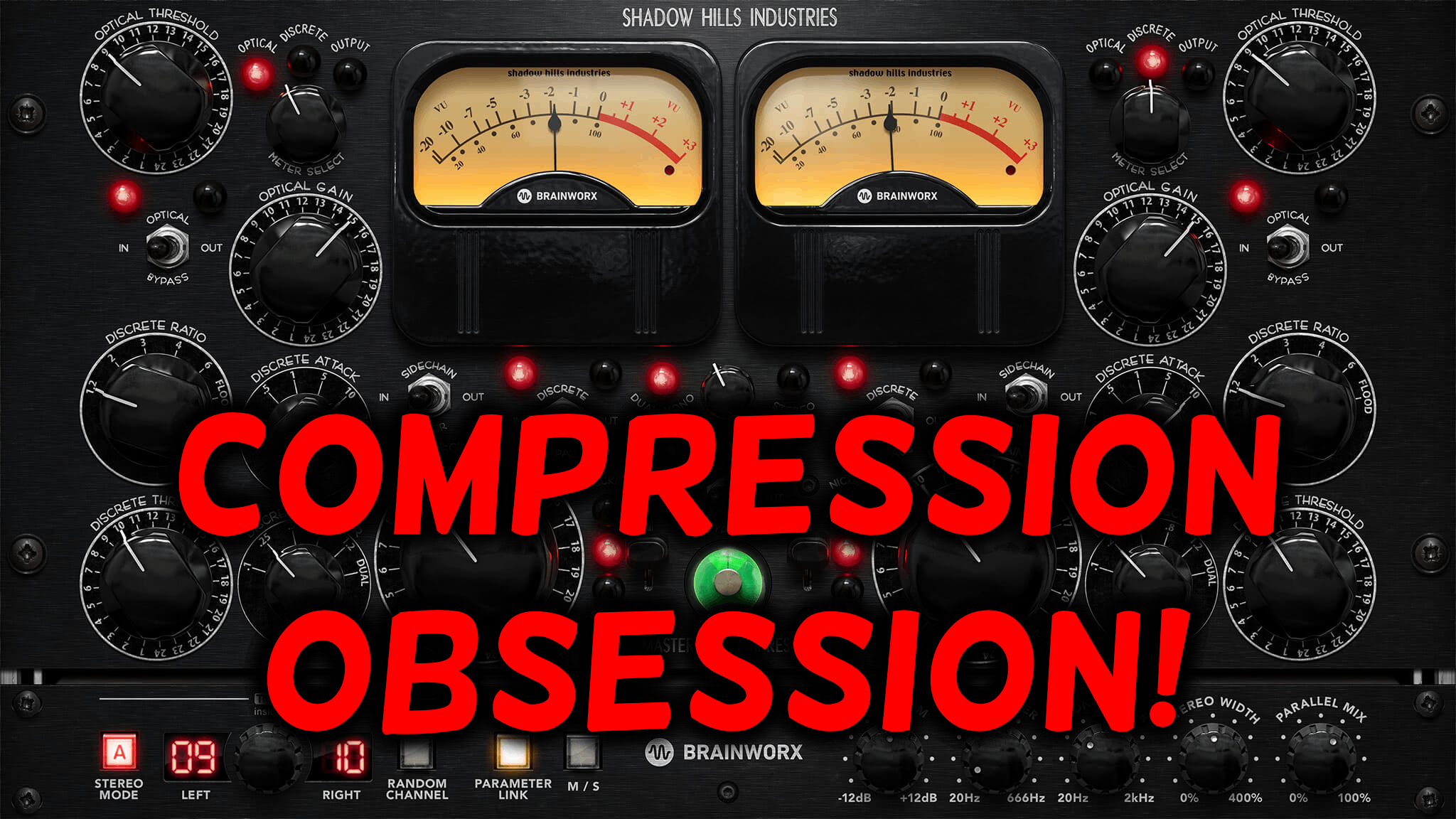
Generally Matching the Amount of Compression on Each Participant
It’s difficult to mix two podcast participants’ voices if one is wildly dynamic and the other is consistent and/or already compressed:
- The consistent and/or compressed voice will sound up front and intelligible the entire time; loud parts won’t be too loud and lower volume parts won’t be too low.
- The uncompressed voice will fluctuate wildly between way too loud and way too low volume. At times the audio will get super loud and blow the listeners ear drums out; at other times the audio will be drastically quiet (making it difficult for listeners to even hear) and mostly, if not completely, unintelligible.
Trying to match the overall volume level of those two differently dynamic voices (making both have equal perceived loudness levels) is a nightmare due to the inconsistency of the uncompressed wildly fluctuating voice.
The solution is (generally) to use the same amount of compression on each voice. After you do this, it’s actually quite easy to adjust all participants to be generally the same volume throughout the entire episode.
Of course this doesn’t solve EVERY mixing/balancing issue, but for podcast production it’s a GREAT practice to employ for the sole benefit of the listeners.
Have you ever thought of compression this way? Comment below!
Want to receive the Daily Goody in your email, daily or weekly? Subscribe free here.
And please keep in mind, the Daily Goody is only a tiny little tip, fact or lesson everyday. Please don’t expect any of these posts to be long, earth-shattering masterpieces that instantly answer every single question you can think of and completely transform you into a world class podcast engineer. “Little by little, a little becomes a lot.”
Also check out our YouTube videos HERE!
-
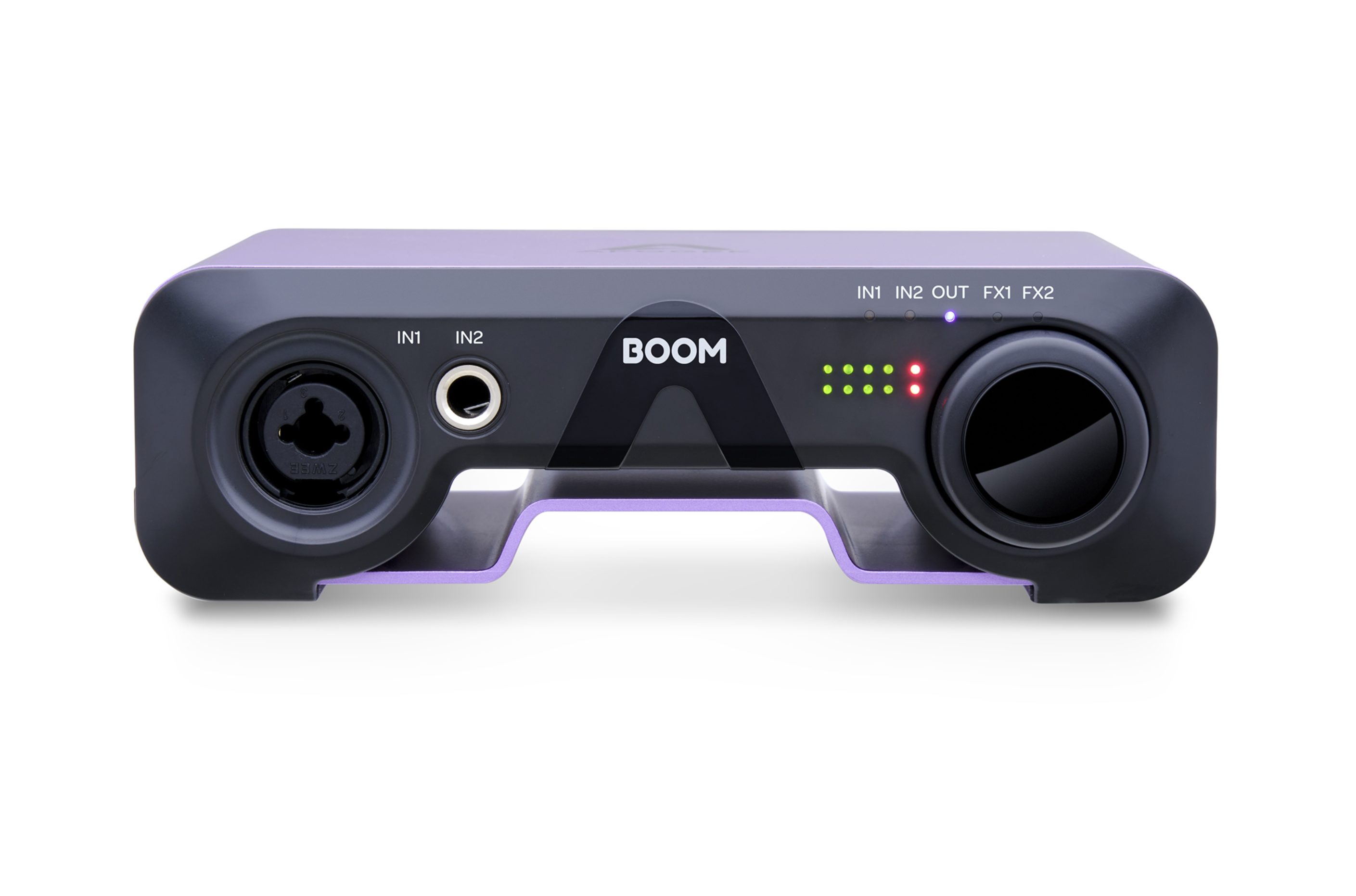
BOOM (Audio Interface) by Apogee *NEW*
The BOOM is a new audio interface from Apogee.
Check out Bandrew’s exhaustive demo and review: Apogee Boom Interface Review / Explained
Here’s some info and specs of the unit:
- 2×2 USB Type-C Audio interface with Built-In Hardware DSP FX
- BOOM is made for passionate creators that pursue their creativity without compromise. Whether you’re a musician, podcaster, or live streamer, BOOM will inspire you to take your projects to the next level, with legendary studio-quality sound by Apogee.
- With BOOM, you can record, monitor, and mix through class-leading mic preamps and pristine digital conversion, fine-tune your input sources using BOOM’s built-in hardware DSP FX, and take your studio anywhere your story takes you. All you have to do is connect directly to your Mac, iPad Pro, or Windows laptop, and let your ideas flow.
What say you? Comment below.
Want to receive the Daily Goody in your email, daily or weekly? Subscribe free here.
And please keep in mind, the Daily Goody is only a tiny little tip, fact or lesson everyday. Please don’t expect any of these posts to be long, earth-shattering masterpieces that instantly answer every single question you can think of and completely transform you into a world class podcast engineer. “Little by little, a little becomes a lot.”
-
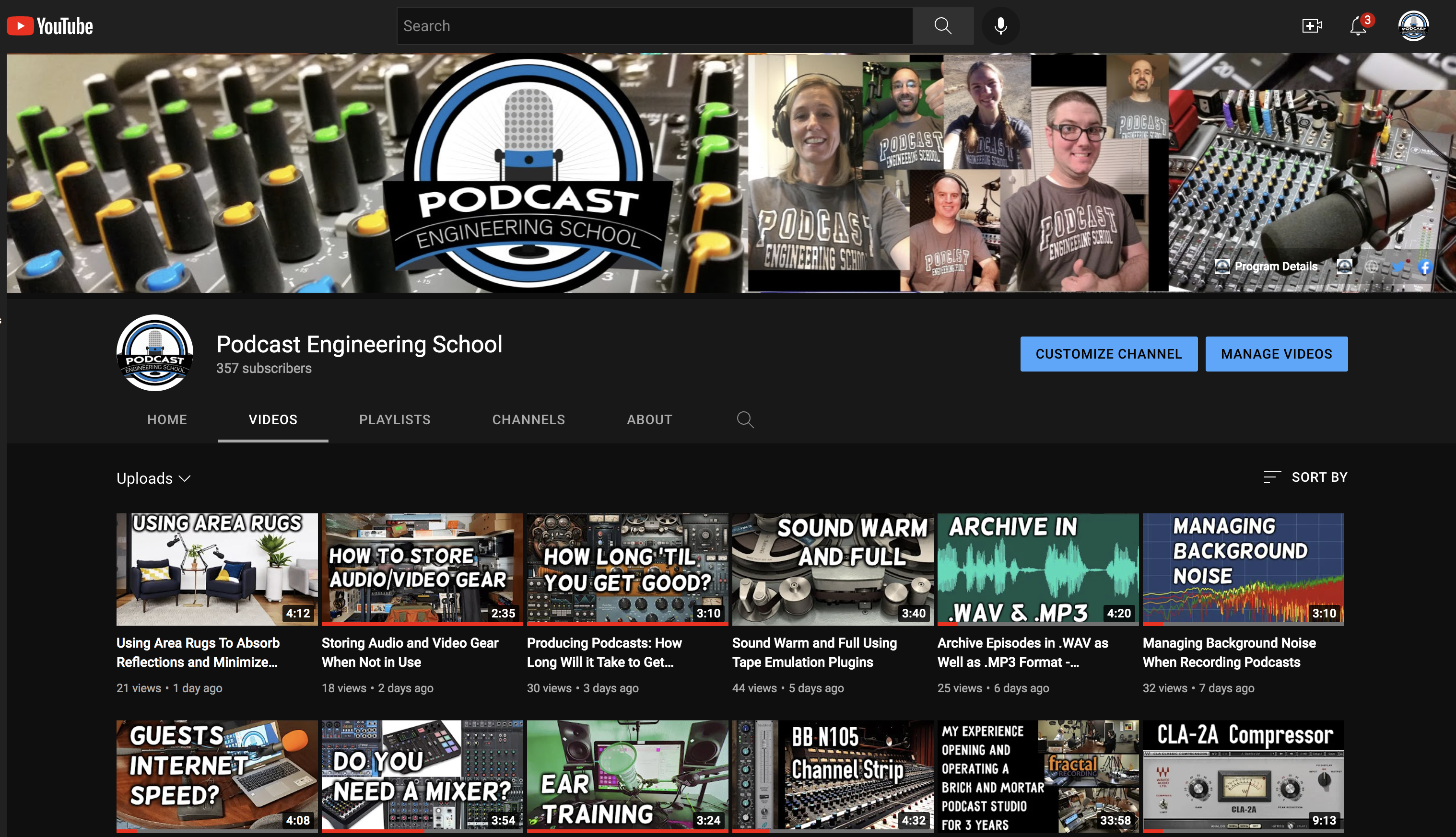
I’m Bangin’ Out YouTube Videos Now!!! (On Podcast Audio Production)
I’m posting lots of videos these days discussing podcast audio production.
Watch the videos here:
- YouTube — https://www.youtube.com/channel/UCw1z9z8ikRabXA4zku88w5A
- Odysee — https://odysee.com/@PodcastEngineeringSchool:5
- Rumble — https://rumble.com/c/c-1329674
Most of the videos are like my Daily Goody blog posts — quick, simple, etc.
Please give me feedback — I’m hoping to improve 😉
Want to receive the Daily Goody in your email, daily or weekly? Subscribe free here.
And please keep in mind, the Daily Goody is only a tiny little tip, fact or lesson everyday. Please don’t expect any of these posts to be long, earth-shattering masterpieces that instantly answer every single question you can think of and completely transform you into a world class podcast engineer. “Little by little, a little becomes a lot.”
-
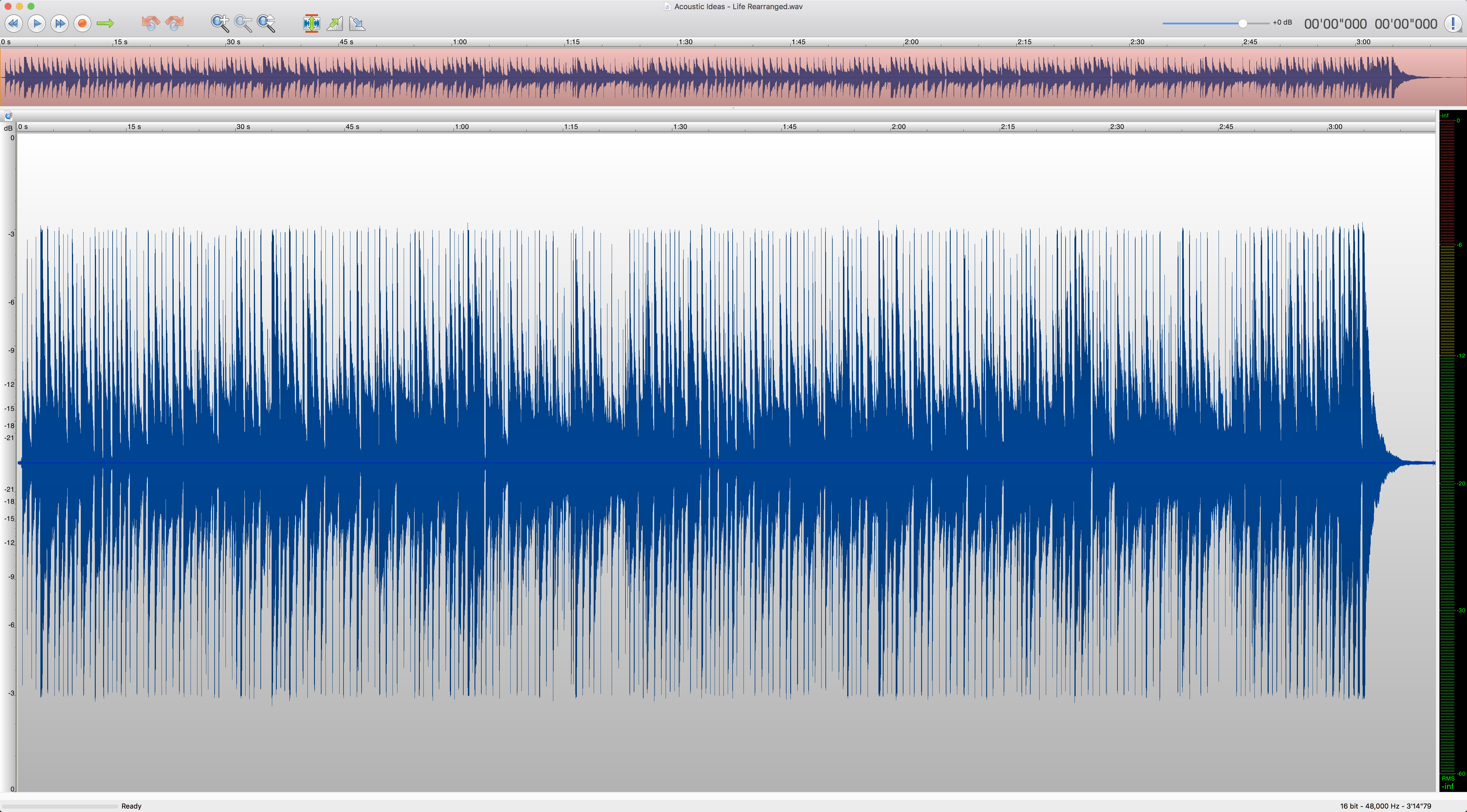
Does Your Podcast Audio Need a Haircut? (Limiting)
By “haircut” I mean Limiting! *See the image above showing a nice straight “haircut”; the loudest peaks have been “tamed”.
Limiters basically chop off any loud sharp pointy peaks in audio, and they do so without causing clipping distortion (unless you’re doing extreme limiting).
Be careful: If a raw audio recording is extremely dynamic, the loudest parts are going to be severely loud and will almost certainly clip and distort when you boost the overall level in post. In these cases you should definitely use some compression before limiting.
Here are some helpful articles:
- Limiter vs. Compressor: One Way to Think About It
- If the “hair is WAY too long” on your audio (meaning it has lots of huge loud peaks), check out this post: If You’re Cutting Off Lots of Peaks in Mastering
Do you fancy yourself an “audio hairdresser”??! Comment below 🙂
Want to receive the Daily Goody in your email, daily or weekly? Subscribe free here.
And please keep in mind, the Daily Goody is only a tiny little tip, fact or lesson everyday. Please don’t expect any of these posts to be long, earth-shattering masterpieces that instantly answer every single question you can think of and completely transform you into a world class podcast engineer. “Little by little, a little becomes a lot.”
-
Announcement: I’ve Started Making Short Daily Videos
I’m now making short daily videos and you can watch them on:
YouTube — https://www.youtube.com/c/PodcastEngineeringSchool/
Odysee — https://odysee.com/@PodcastEngineeringSchool:5
Rumble — https://rumble.com/c/c-1329674
*KEEP IN MIND that these videos are similar to my Daily Goody posts in that they are only a tiny little tip, fact or lesson everyday. Please don’t expect any of these videos to be long, earth-shattering deep-dive masterpieces that instantly answer every single question you can think of.
Consider subscribing to one of the channels listed above to make sure you see the videos.
Want to receive the Daily Goody in your email, daily or weekly? Subscribe free here.
And please keep in mind, the Daily Goody is only a tiny little tip, fact or lesson everyday. Please don’t expect any of these posts to be long, earth-shattering masterpieces that instantly answer every single question you can think of and completely transform you into a world class podcast engineer. “Little by little, a little becomes a lot.”
-
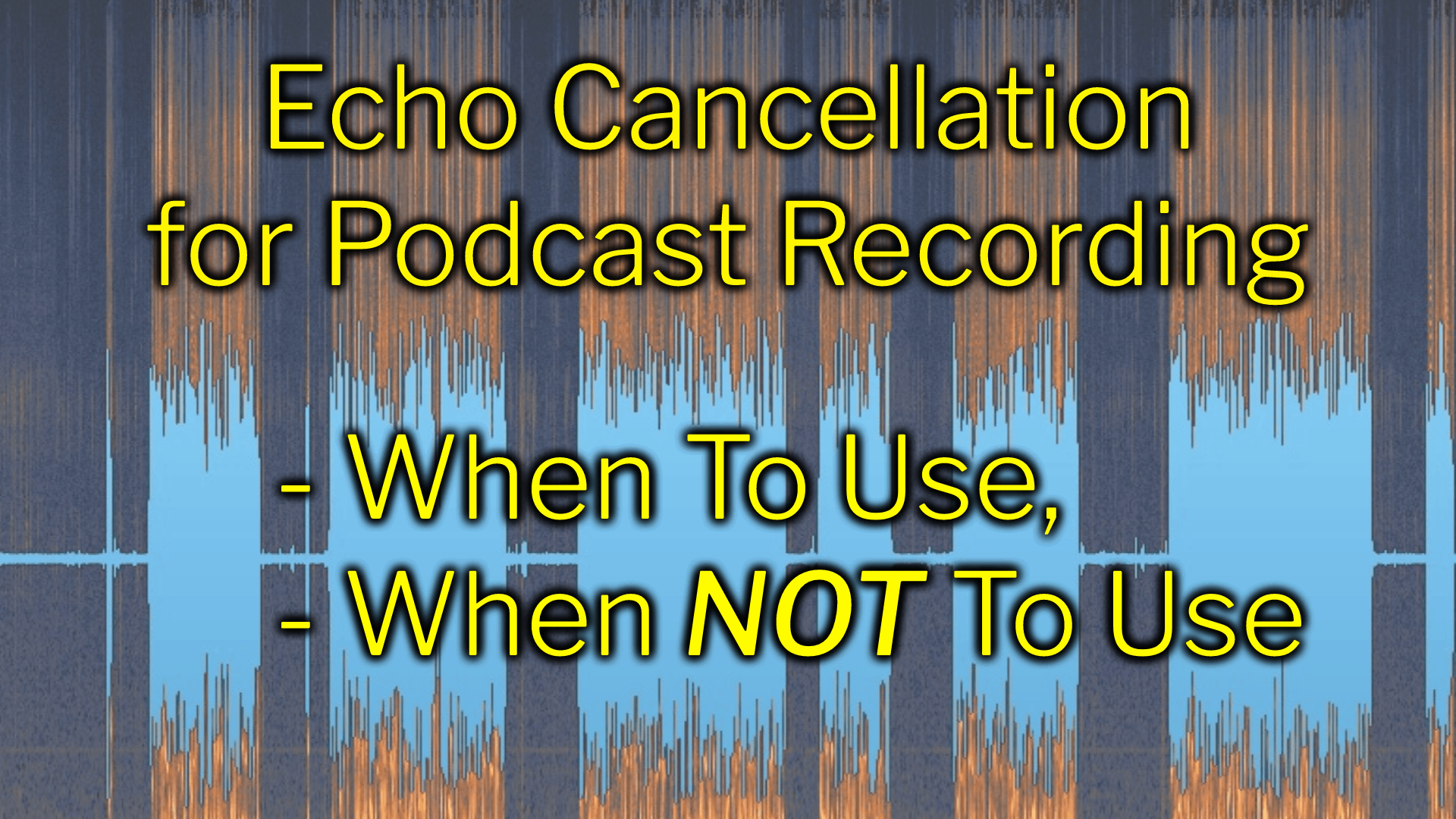
Echo Cancellation for Podcast Recording: When To Use and When Not To Use
TL;DR:
- If a podcast participant is NOT wearing headphones or earbuds — you MUST use echo cancellation on their audio.
- If a podcast participant IS wearing headphones or earbuds — you should NOT use echo cancellation on their audio.
Full explanation:
Echo cancellation is an audio process that can be used during podcast recording sessions. It was designed to eliminate feedback which jumbles the audio and makes conversation impossible. It’s meant to be used on participants who are not wearing headphones or earbuds — meaning, they’re listening to the other podcast participants through their computer speakers (or other speakers). Of course this projects the sound of the other participants into their room, which then bounces around their room and is picked up by their own microphone. This causes the other participants’ audio to be sent back to them, causing the effect of “feedback” for the other participants. The echo cancellation eliminates this feedback and makes conversation possible.
Echo cancellation is offered by most remote recording services like Riverside, Zencastr, Squadcast, Streamyard, etc.
Recap:
- No headphones = use echo cancellation
- Wearing headphones = don’t use echo cancellation
*But I hear some of you maniacs: “Excuse me, Chris, but can’t we just ALWAYS use echo cancellation just to be safe? What’s the harm?” ANSWER: Echo cancellation causes substantial-to-severe audio degradation, so I recommend only using it if it’s necessary 😉
What are your thoughts on using echo cancellation?
Want to receive the Daily Goody in your email, daily or weekly? Subscribe free here.
And please keep in mind, the Daily Goody is only a tiny little tip, fact or lesson everyday. Please don’t expect any of these posts to be long, earth-shattering masterpieces that instantly answer every single question you can think of and completely transform you into a world class podcast engineer. “Little by little, a little becomes a lot.”
-
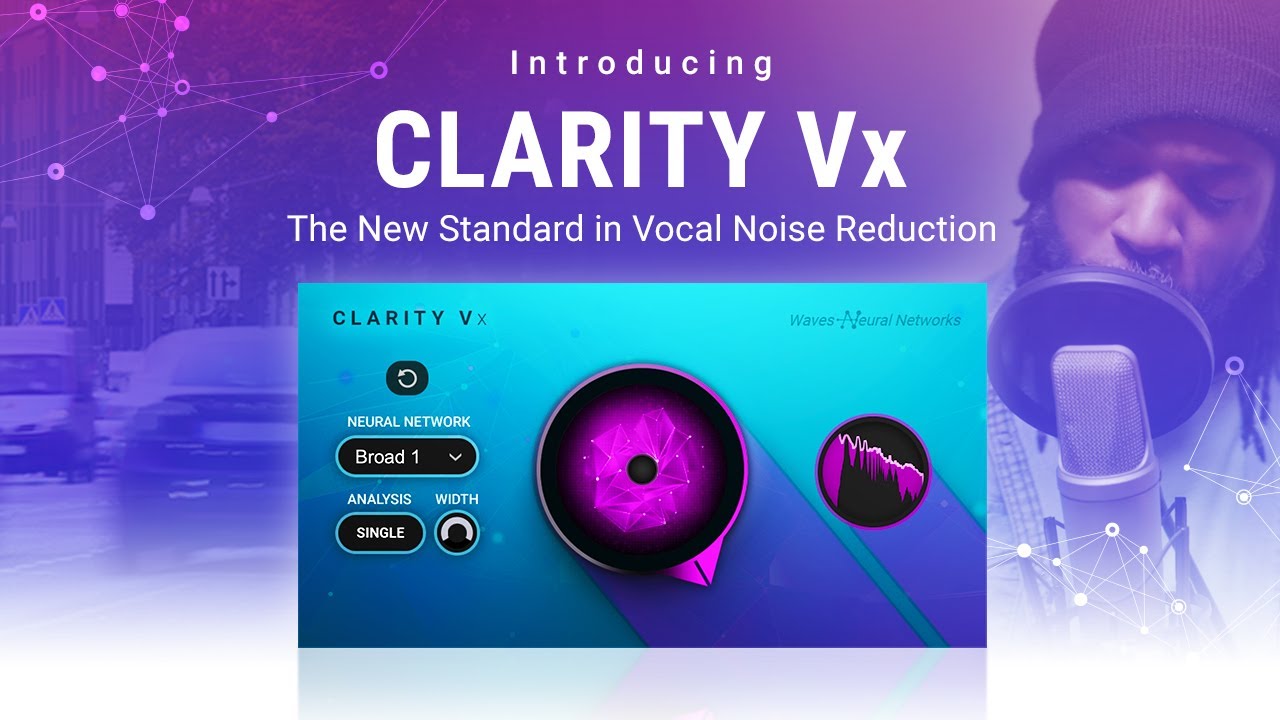
Clarity Vx from Waves (Revolutionary AI Noise Removal Plugin)
For around $35.99 the Clarity Vx plugin from Waves seems to be a pretty awesome noise removal plugin. I haven’t tried it yet but the reviews are excellent.
Here’s a video of it completely removing the noise made by a blender!
In podcast production this would come in very handy for cleaning up the noisy audio of a remote guest who has a fan or air conditioner on in the background, or a noisy computer fan running, etc.
From their website:
- Clarity Vx is the highest-quality and the fastest way to clean your vocals from background noise and prepare them for any mix, production, podcast or video.
- Powered by the same Waves Neural Networks® engine as the larger Clarity Vx Pro, Clarity Vx is optimized with a simple interface to guarantee the best of both worlds with zero learning curve: impeccably clean vocals – no artifacts, no damage to the performance – AND results in seconds.
- In the past, cleaning noisy vocal recordings at the highest fidelity required serious engineering know-how, as well as the luxury of time. The solutions were not optimized for musicians on a budget, home producers on a schedule, and content creators who are not professional sound engineers.
- We’ve changed all of that with Clarity Vx.
- Whatever noise you’re dealing with – from light AC or computer fan noise, to heavy traffic outside your bedroom studio window, or anything in between – we have you covered with Clarity Vx. Simply turn the single knob clockwise – and hear the noise go away with the voice quality fully preserved.
Want to receive the Daily Goody in your email, daily or weekly? Subscribe free here.
And please keep in mind, the Daily Goody is only a tiny little tip, fact or lesson everyday. Please don’t expect any of these posts to be long, earth-shattering masterpieces that instantly answer every single question you can think of and completely transform you into a world class podcast engineer. “Little by little, a little becomes a lot.”
-
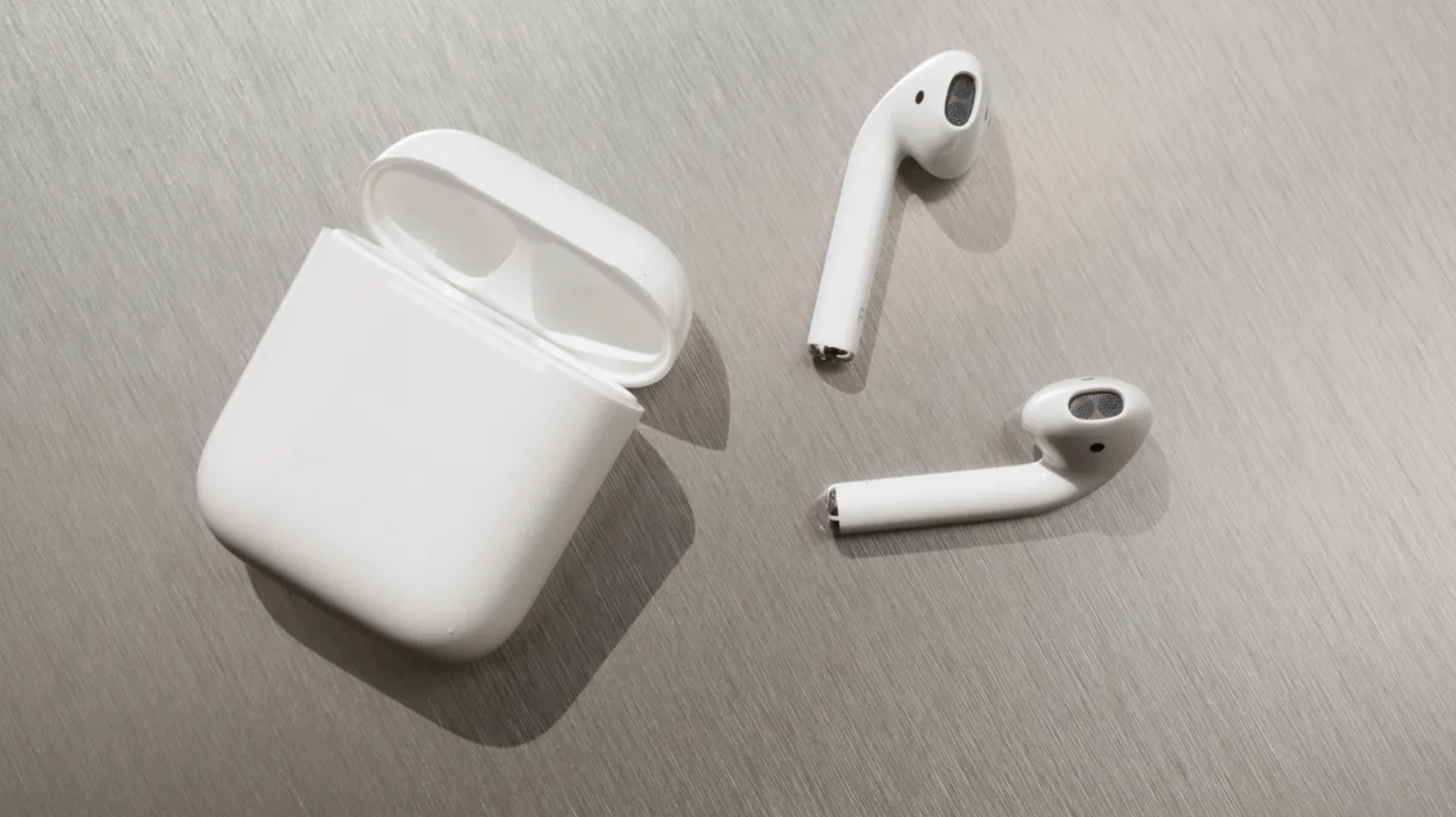
Convincing Remote Guests NOT To Use AirPods as Their Microphone
Some remote guests love their AirPods so much, and simultaneously they know so little about audio quality, that they believe (wrongly) that the microphone in their AirPods is a great sounding option to use when they appear as a guest on podcasts.
It’s not.
That is all.
OK, but seriously, all podcast producers worth their salt always discourage the use of AirPods, except as a last resort when the guest literally has no other microphone options. Some producers even prefer built-in laptop microphones over AirPods!
NOTE: It’s totally fine to use AirPods to monitor audio when recording, but recording the AirPods microphone is never pretty.
What are your thoughts on the audio quality of AirPods?
Want to receive the Daily Goody in your email, daily or weekly? Subscribe free here.
And please keep in mind, the Daily Goody is only a tiny little tip, fact or lesson everyday. Please don’t expect any of these posts to be long, earth-shattering masterpieces that instantly answer every single question you can think of and completely transform you into a world class podcast engineer. “Little by little, a little becomes a lot.”
-
Why I Rarely Use De-breath Plugins
De-breath plugins intelligently lower the volume of a person’s breath sounds. (iZotope RX Breath Control, Waves DeBreath, etc.)
Some podcasters, producers and editors really can’t stand the sound of breaths; some try to lower their volume, others cut them out altogether! It’s a matter of taste; though I will remind you that breaths are completely natural and listeners are used to hearing other humans take breaths when they’re speaking. Plus, 99.9% of all podcasts you hear DON’T remove or lower the volume of breaths.
I rarely use de-breath plugins because:
- It’s extremely rare that a person’s breaths are obnoxiously loud and distracting.
- It’s extremely difficult to dial-in the settings of a de-breath plugin perfectly so that it reduces ALL the breaths AND simultaneously leaves everything else alone. Most times the plugin will miss certain breaths and NOT reduce their volume, which can result in a weird, erratic sounding track which can sound MORE distracting than the original. Also, plugins can mistake a word or part of a word for a breath and then reduce its volume, ruining the intelligibility of certain words.
- Usually a better overall technique is the “Emily Prokop” technique where she clips and moves all the loud breaths onto a separate dedicated track in her DAW. Then she lowers the volume of that track so all the breaths are at a lower, more tasteful volume.
Unless someone’s breaths are super loud and distracting, I wouldn’t even worry about breaths – they’re natural.
Do you pay any special attention to breaths in your podcast production?
Want to receive the Daily Goody in your email, daily or weekly? Subscribe free here.
And please keep in mind, the Daily Goody is only a tiny little tip, fact or lesson everyday. Please don’t expect any of these posts to be long, earth-shattering masterpieces that instantly answer every single question you can think of and completely transform you into a world class podcast engineer. “Little by little, a little becomes a lot.”
-
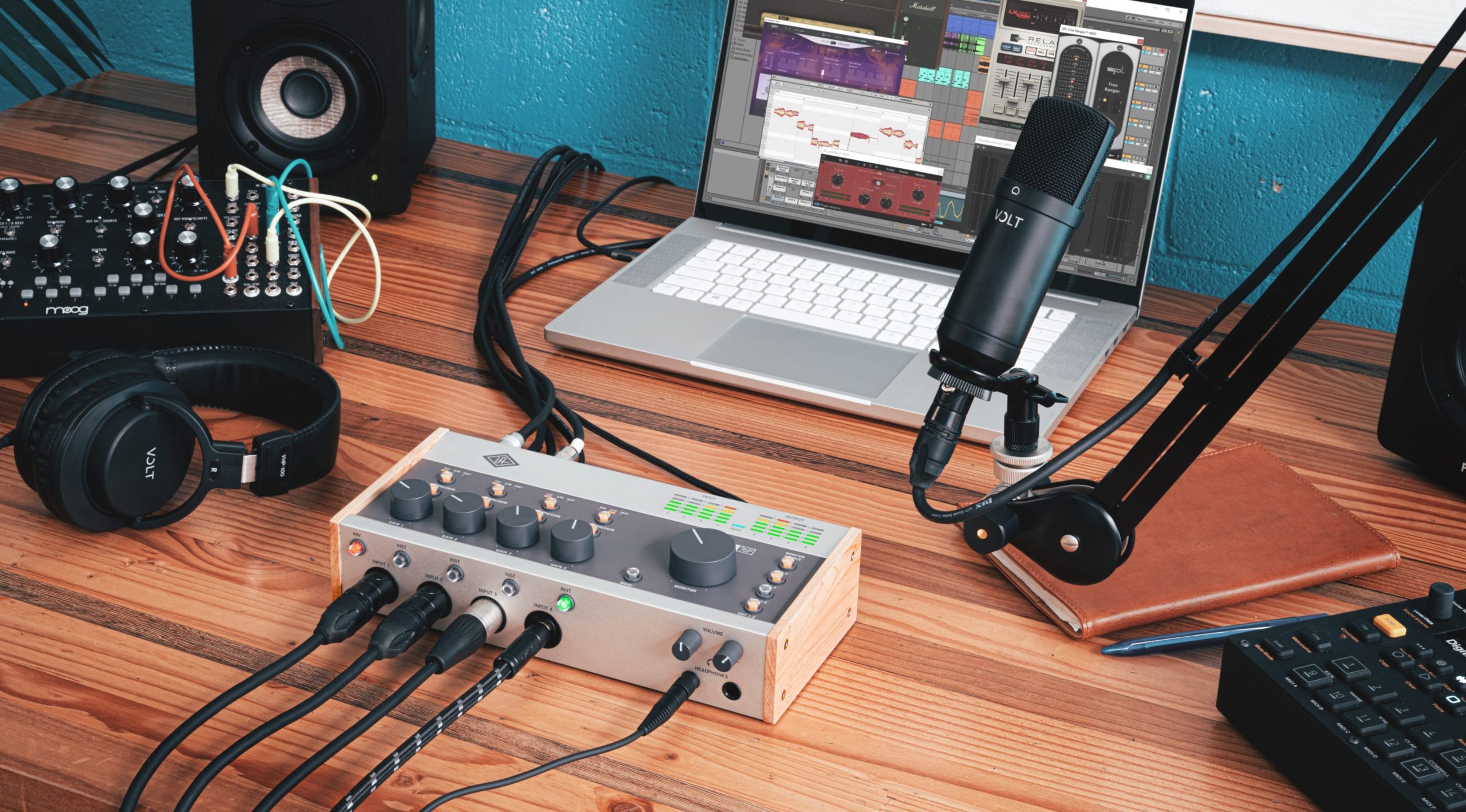
*NEW* Volt USB Audio Interfaces
I just came across these newly released VOLT interfaces from Universal Audio and they look very cool.
The smaller versions (which a podcaster would use) are priced pretty low, too, considering their quality ($139-$239), which I haven’t personally verified yet but everything UA makes has been exceptional quality.
From their website: We built Volt interfaces to let you easily record audio with legendary studio tone. Plug right into your Mac, PC, iPad, or iPhone and Volt just shows up — ready to capture your music, livestream, or podcast with professional sound.
NOTE: These interfaces are part of the UA ecosystem and you can actually get some free UA plugins when you purchase any VOLT interface.
If you get one of these please let me know how you like it!
Want to receive the Daily Goody in your email, daily or weekly? Subscribe free here.
And please keep in mind, the Daily Goody is only a tiny little tip, fact or lesson everyday. Please don’t expect any of these posts to be long, earth-shattering masterpieces that instantly answer every single question you can think of and completely transform you into a world class podcast engineer. “Little by little, a little becomes a lot.”
-
Save Money by Producing Your Own Podcast Audio (Instead of Outsourcing It)
If you’re currently outsourcing your podcast audio production to someone else, and you’d prefer to save that money instead, I’m here to tell you that if you’re willing to learn a bit you can definitely produce your own podcast audio.
You don’t have to attend PES or a 4-year program either — you can learn some basics and produce very good audio yourself.
HINT: By avoiding basic audio issues during the recording process you can virtually guarantee good sounding audio with very little effort 😉
Of course, if you literally don’t have time to produce your own audio that’s understandable.
By producing your own audio you’re developing a significant lifelong skill, too, and that’s worth A LOT!
What are your thoughts? Comment below.
Want to receive the Daily Goody in your email, daily or weekly? Subscribe free here.
And please keep in mind, the Daily Goody is only a tiny little tip, fact or lesson everyday. Please don’t expect any of these posts to be long, earth-shattering masterpieces that instantly answer every single question you can think of and completely transform you into a world class podcast engineer. “Little by little, a little becomes a lot.”
-
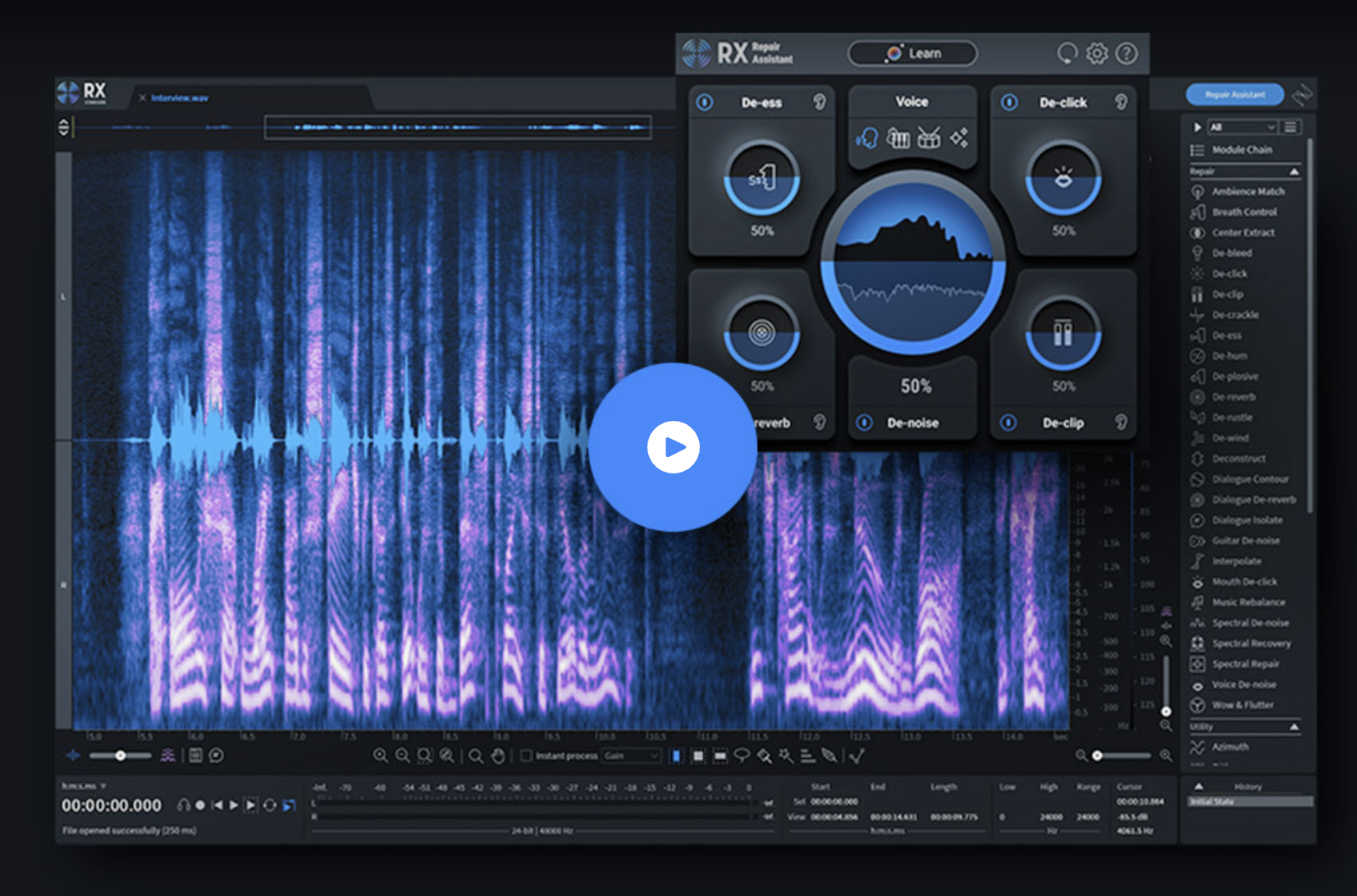
iZotope RX 10 Now Available!
iZotope just released their latest version of RX. RX 10 has several substantial updates from the previous version.
If you have RX 9 you’ll have to decide for yourself if you want top upgrade to 10. I did, but that’s partially because I have to stay on top of these things in order to teach them!
For a good explanation detailing all the new features and updates check out the short video at the top of the product page here!
FYI, students of PES get a 50% discount on iZotope RX and other iZotope products 😉
Want to receive the Daily Goody in your email, daily or weekly? Subscribe free here.
And please keep in mind, the Daily Goody is only a tiny little tip, fact or lesson everyday. Please don’t expect any of these posts to be long, earth-shattering masterpieces that instantly answer every single question you can think of and completely transform you into a world class podcast engineer. “Little by little, a little becomes a lot.”
-
Do You Know Anyone Around the Age of 18-25 Who Plays a Musical Instrument?
Who do you know around the age of 18-25 who plays a musical instrument?
I’m asking because those folks are literally primed and ready to learn how to produce podcasts for living and then earn $100k+ per year working from home. Yeah, really.
Lots of younger folks are struggling to find their way, so if you know someone who plays a musical instrument or loves audio in general, please tell them about Podcast Engineering School.
Better yet, put them directly in touch with me 😉
Thanks for helping me change so many individuals lives for the better.
There’s nothing better than when a graduate of Podcast Engineering School becomes a true professional and takes control of their financial success and starts bringing in serious income. Truly life changing for them.
Much Love,
ChrisWant to receive the Daily Goody in your email, daily or weekly? Subscribe free here.
And please keep in mind, the Daily Goody is only a tiny little tip, fact or lesson everyday. Please don’t expect any of these posts to be long, earth-shattering masterpieces that instantly answer every single question you can think of and completely transform you into a world class podcast engineer. “Little by little, a little becomes a lot.”
-
Which Would You Rather See Me Do on Video?
I appreciate you letting me know in the comments below 😉 or tweet at me @PodcastEngineer
Which would you rather see me do on video?
- Clean up a bad recording
- Demonstrate a new plugin
- EQ someone’s voice
- Compress someone’s voice
- Discuss my 5 favorite plugins for podcast production
- Purchase and unbox a new Blue Yeti
- Demonstrate my voice on 5 different microphones
Please comment below!
I appreciate you,
ChrisWant to receive the Daily Goody in your email, daily or weekly? Subscribe free here.
And please keep in mind, the Daily Goody is only a tiny little tip, fact or lesson everyday. Please don’t expect any of these posts to be long, earth-shattering masterpieces that instantly answer every single question you can think of and completely transform you into a world class podcast engineer. “Little by little, a little becomes a lot.”
-
Should You Publish Episodes in Stereo or Mono?
If you’re wondering whether you should publish your final episodes in stereo or mono, here are a few ideas to consider:
- If every element of your episode is mono (voices, effects, music, etc.), _AND_ you haven’t panned _ANY_ of them left or right, then you should publish in mono because your audio _IS_ mono. By the way, publishing a mono audio file in stereo doesn’t change or enhance the sound — it only doubles the file size, thereby unnecessarily causing you to publish a larger file (which with some hosting companies will cost you more money) _AND_ forcing listeners to download or stream a larger file (which for some will more quickly eat up their limited monthly mobile bandwidth).
- If there are _ANY_ stereo elements in your episode, I recommend publishing in stereo. (unless you have some limit on file size, etc.)
NOTE: The majority of podcasts use stereo intro music and publish in stereo, but some still opt to publish in mono (which is totally fine). Be aware that publishing stereo music in mono may cause it to sound a bit weird to some folks, but it’s not a major deal — it’ll just sound a bit flat, dimensionless, etc.
Do you publish in stereo or mono, and why?
Want to receive the Daily Goody in your email, daily or weekly? Subscribe free here.
And please keep in mind, the Daily Goody is only a tiny little tip, fact or lesson everyday. Please don’t expect any of these posts to be long, earth-shattering masterpieces that instantly answer every single question you can think of and completely transform you into a world class podcast engineer. “Little by little, a little becomes a lot.”
-
Dealing With Lipsmacks and Mouth Clicks in Post
If lipsmacks and mouth noises aren’t avoided in the recording process, then removing them in post can happen in several different ways:
- For big loud lipsmacks it’s usually better to remove them manually in the editing process.
- Regarding smaller mouthclicks: If there are only a limited number of mouthclicks, cutting them by hand is OK, but if a particular podcast participant a bazillion mouthclicks then Mouth De-click in iZotope RX is a lifesaver. Also Spiff from Oeksound can do a good job removing mouth clicks.
What’s your strategy with lipsmacks and mouth clicks? Comment below!
Want to receive the Daily Goody in your email, daily or weekly? Subscribe free here.
And please keep in mind, the Daily Goody is only a tiny little tip, fact or lesson everyday. Please don’t expect any of these posts to be long, earth-shattering masterpieces that instantly answer every single question you can think of and completely transform you into a world class podcast engineer. “Little by little, a little becomes a lot.”
-
Dealing With Plosives
If you don’t avoid capturing plosives in the recording process, you’ll have to deal with them in post-production.
Here are several ways to remove plosives in post:
- The De-plosive module in iZotope RX
- A multiband compressor to specifically crush the plosive frequencies which are usually in the range of around 120 Hz and below. Use a high ratio with very fast attack and release, then adjust threshold so that the compressor is only compressing the plosives.
- FYI, here’s the worst “solution”: Use a high pass filter to roll off the frequencies below ~120 Hz. The problem with this “solution” is that it will not only reduce the plosives but it will remove a significant amount of fullness and body from the sound, which can make the person’s voice sound a bit thin, weak or wimpy.
Also note that De-noise processors will NOT remove plosives.
Is there another method you use to remove plosives? Comment below!
Want to receive the Daily Goody in your email, daily or weekly? Subscribe free here.
And please keep in mind, the Daily Goody is only a tiny little tip, fact or lesson everyday. Please don’t expect any of these posts to be long, earth-shattering masterpieces that instantly answer every single question you can think of and completely transform you into a world class podcast engineer. “Little by little, a little becomes a lot.”
-
Reaper Now Offers Oversampling on Individual Plugins and Plugin Chains!
(FYI, see my post on What is Oversampling?)
Reaper now offers oversampling on individual plugins and plugin chains!
NOTE: Currently many plugins will not be able to handle more extreme (8x or 16x) oversampling, so listen carefully for weirdness when using Reaper’s oversampling features.
Here are two good videos explaining and showing more details:
- Oversample Everything! Reaper FX and FX Chain Oversampling
- Oversampling in REAPER? – The NEW Game-changing feature
Want to receive the Daily Goody in your email, daily or weekly? Subscribe free here.
And please keep in mind, the Daily Goody is only a tiny little tip, fact or lesson everyday. Please don’t expect any of these posts to be long, earth-shattering masterpieces that instantly answer every single question you can think of and completely transform you into a world class podcast engineer. “Little by little, a little becomes a lot.”
-
Add Oversampling to Plugins That Don’t Offer It Using Superplugin From DDMF
(FYI, here’s a post explaining oversampling and aliasing)
Superplugin from DDMF is a plugin that does many things. One handy and specific thing I’d like to highlight here that it does up to 16x oversampling during realtime playback (and 64x oversampling during offline rendering) for plugins that don’t offer oversampling!
Here’s a good video with more details and examples, etc.: Make Your Waves Plugins Sound Better | With Superplugin from DDMF.
Want to receive the Daily Goody in your email, daily or weekly? Subscribe free here.
And please keep in mind, the Daily Goody is only a tiny little tip, fact or lesson everyday. Please don’t expect any of these posts to be long, earth-shattering masterpieces that instantly answer every single question you can think of and completely transform you into a world class podcast engineer. “Little by little, a little becomes a lot.”